


Method of administration
For instructions on how to use the Zegluxen® pre-filled pen, your patients can watch the video or use the step-by-step guide below
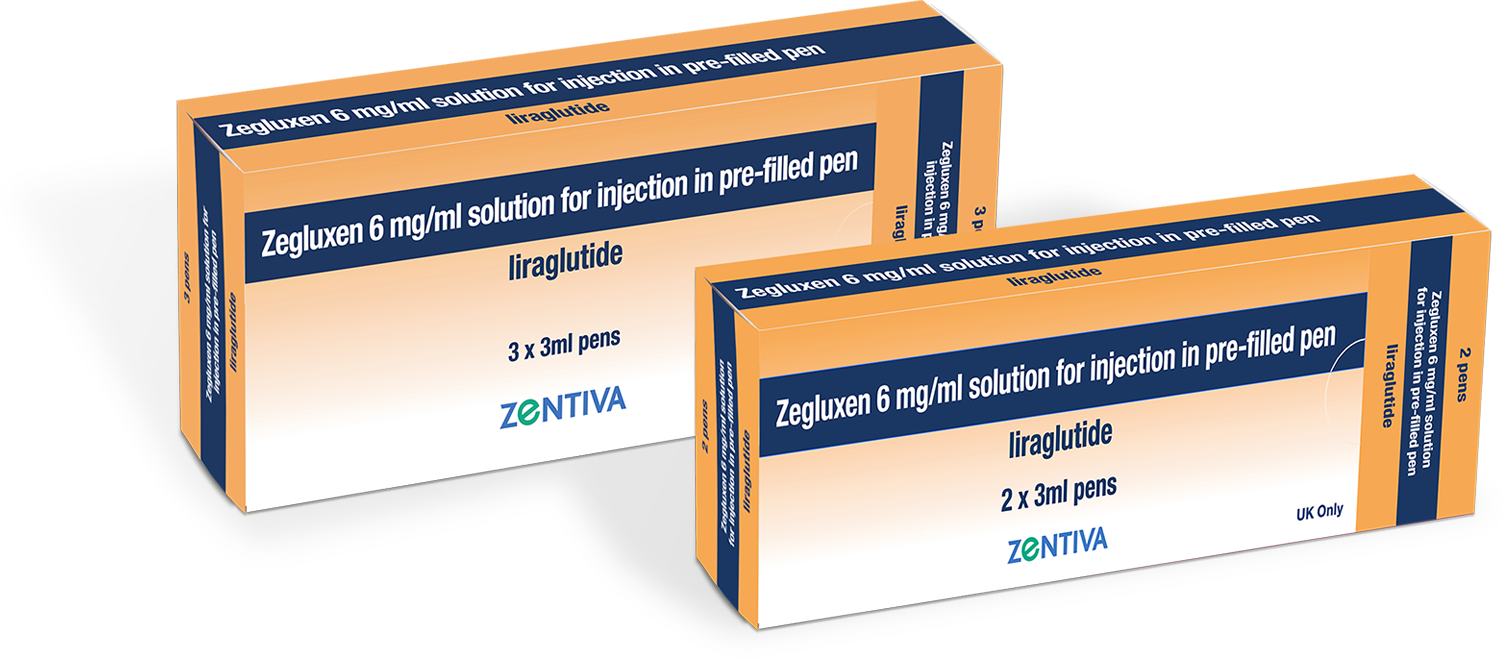
For instructions on how to use the Zegluxen® pre-filled pen, your patients can watch the video or use the step-by-step guide below
How to use the Zegluxen® pen
Step-by-step guide on how to use the pre-filled pen
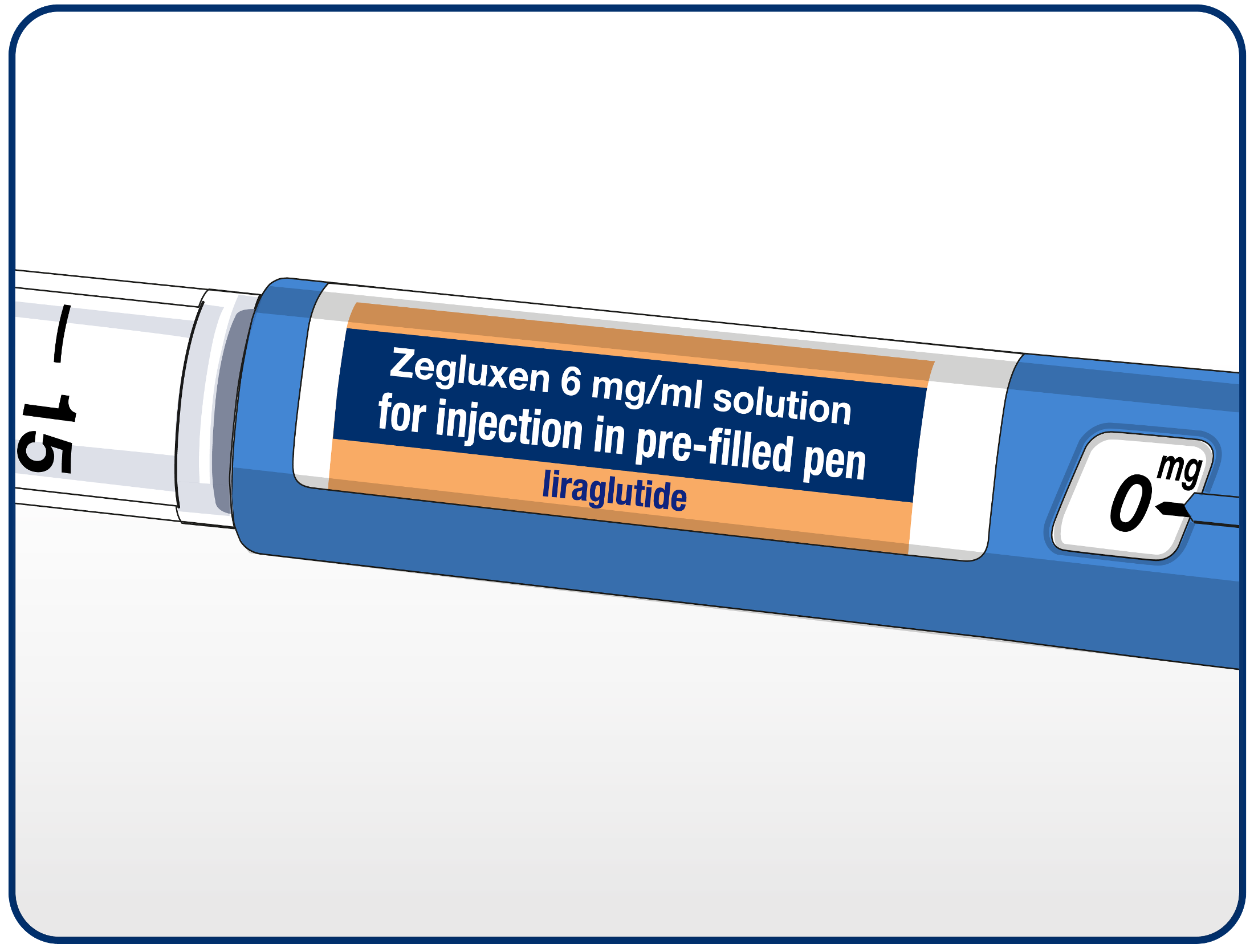
Patients should check the name and coloured label of the pen to ensure that it contains Zegluxen. Using the wrong medicine could cause them severe harm. Once checked, they can pull off the pen cap”
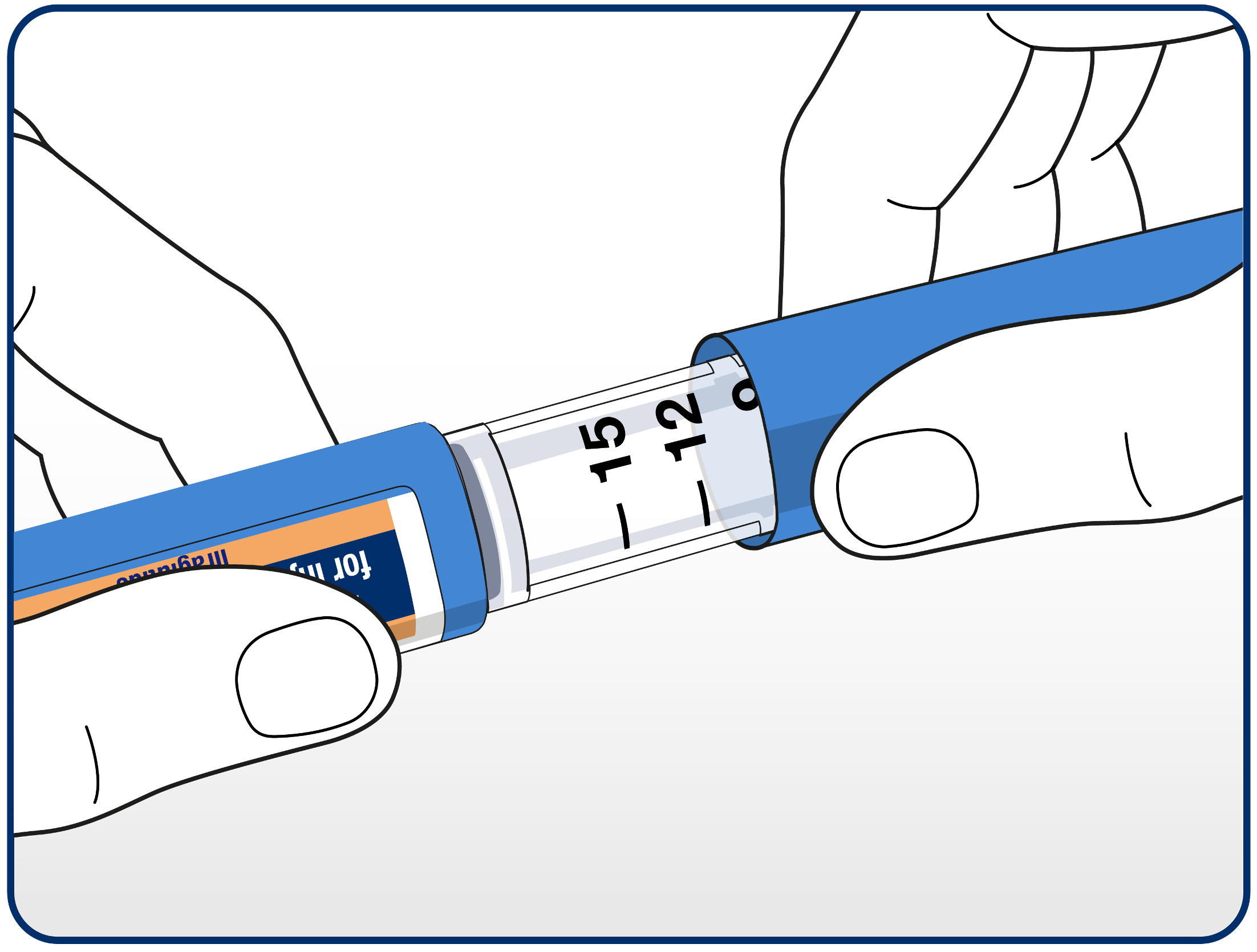
Patients should check that the solution in the pen is clear and colourless by looking through the pen window. Patients should not use the pen if the solution looks cloudy.
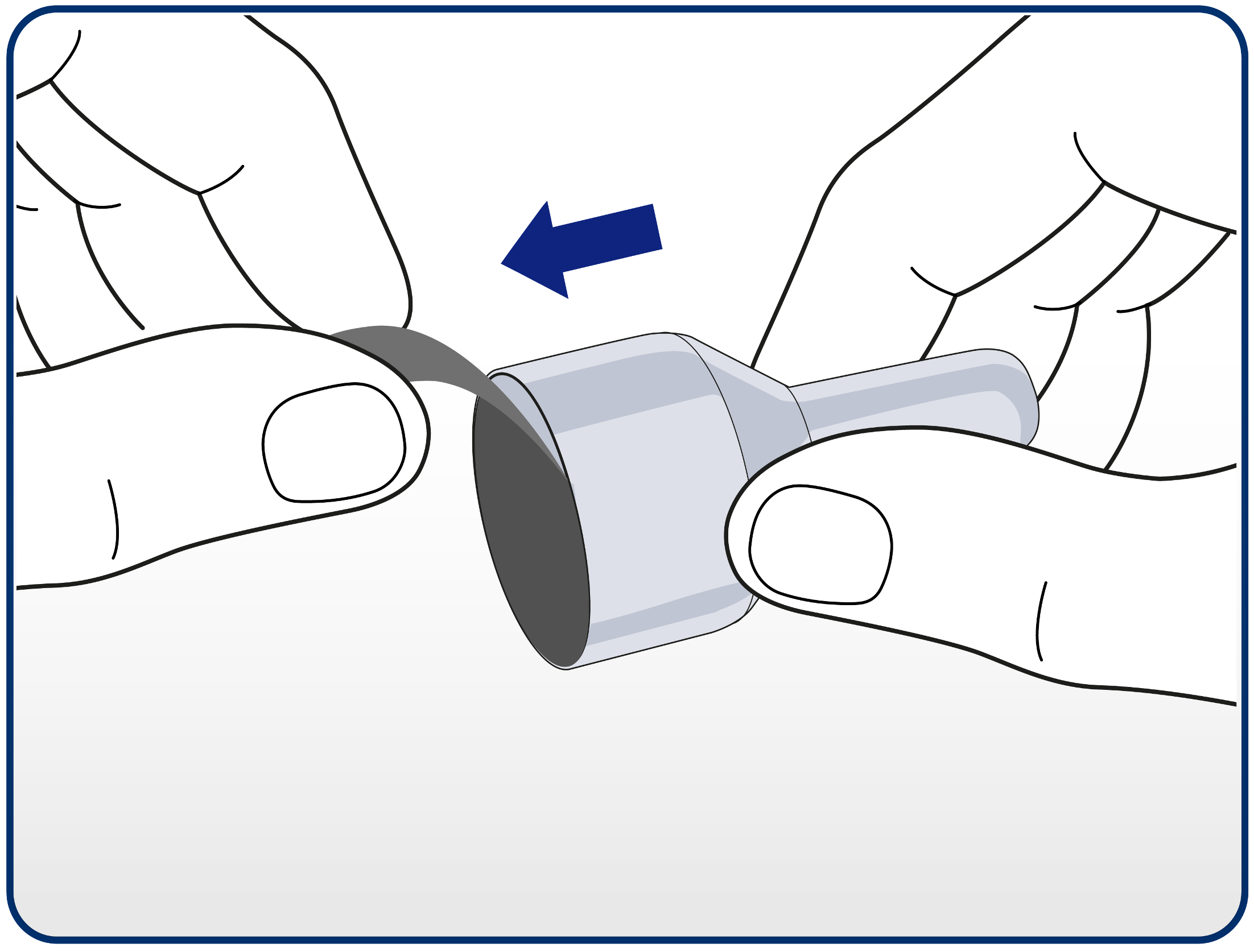
Patients should then remove the paper tab from a new disposable needle.
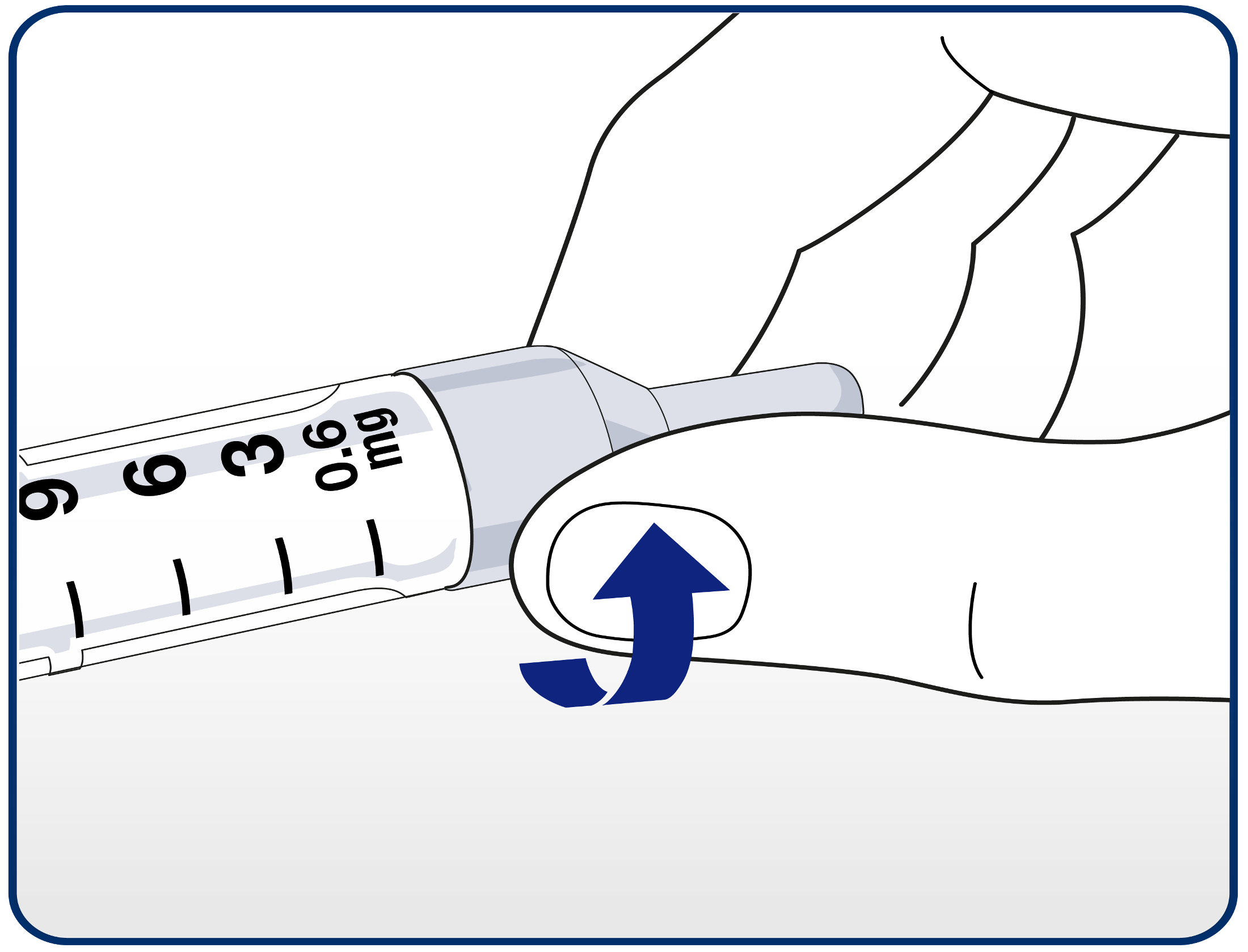
Patients should attach the needle correctly by pushing the needle straight onto the pen and turning until it is tight.
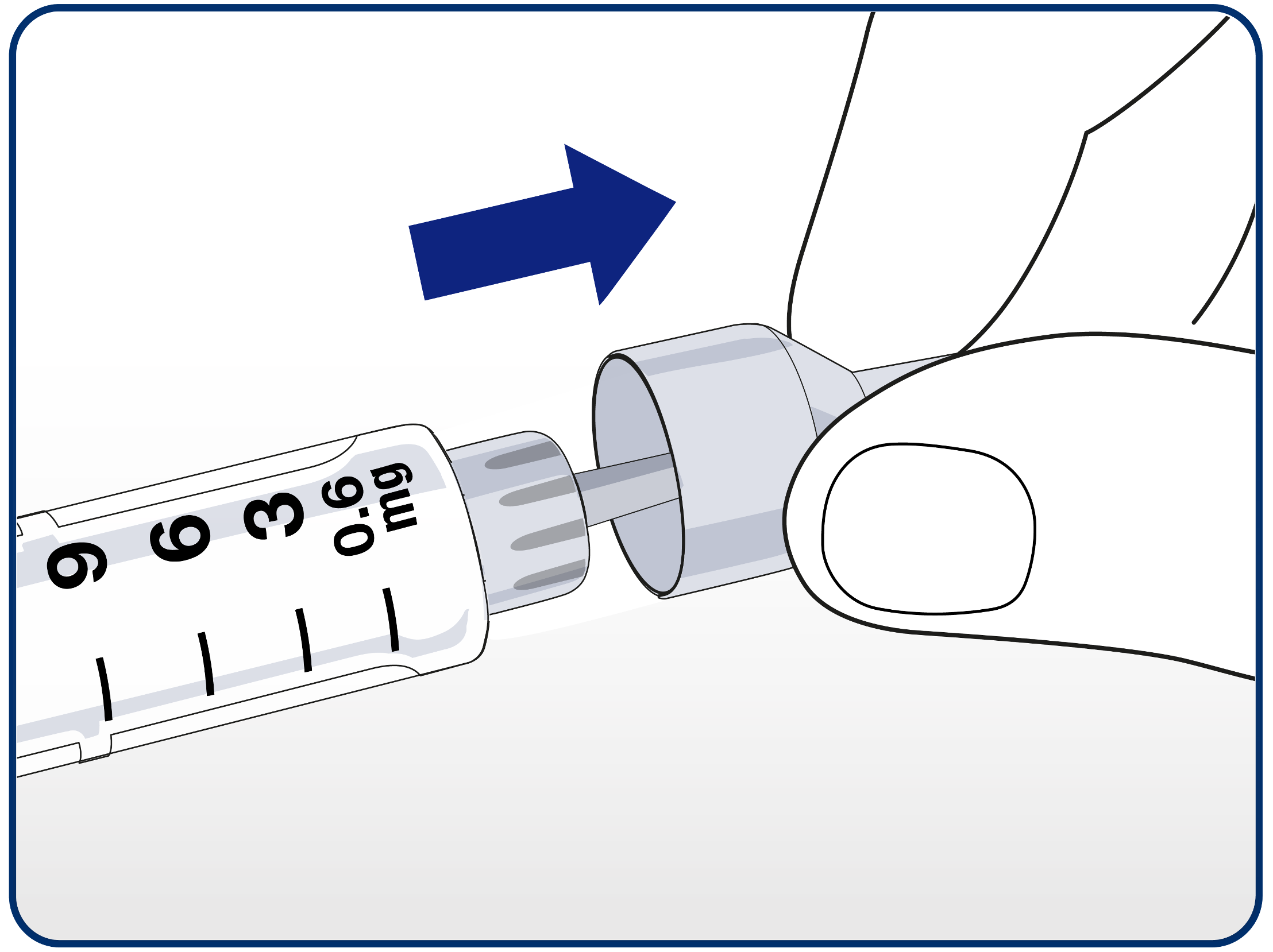
Advise patients to remove the outer needle cap and retain it (on a clean surface) for later.
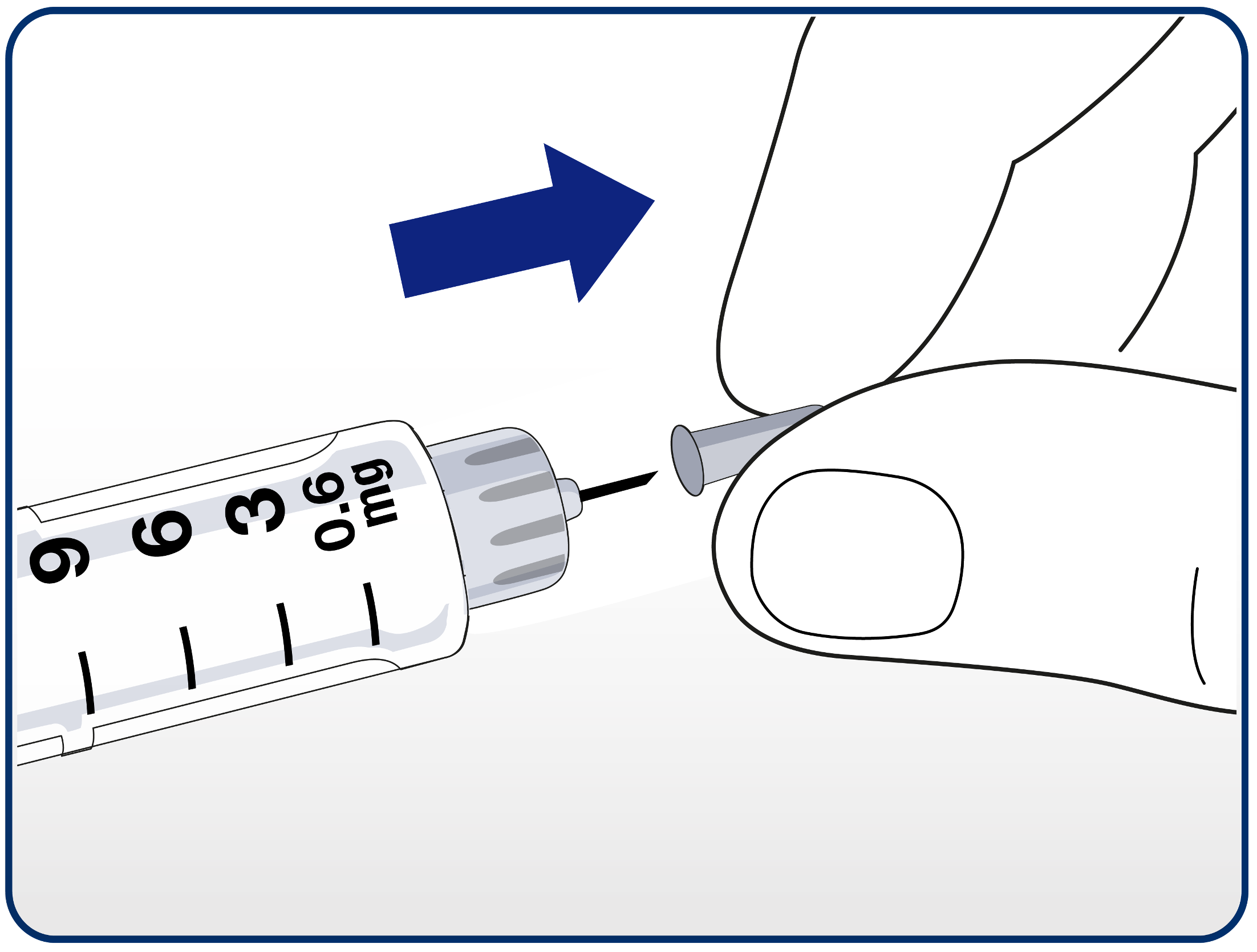
Advise patients to carefully remove the inner needle cap and dispose of it.
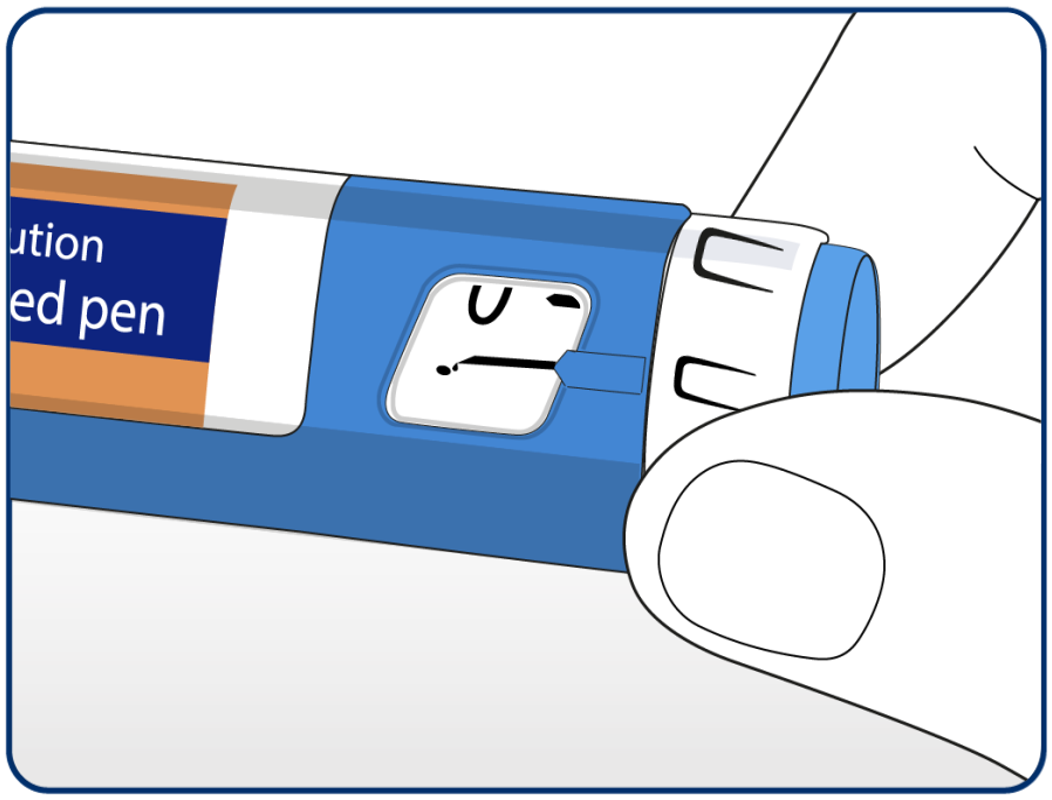
Advise patients to check the flow with each new needle before injecting.
A new needle should be used with every injection to help prevent infections and blocked needles.
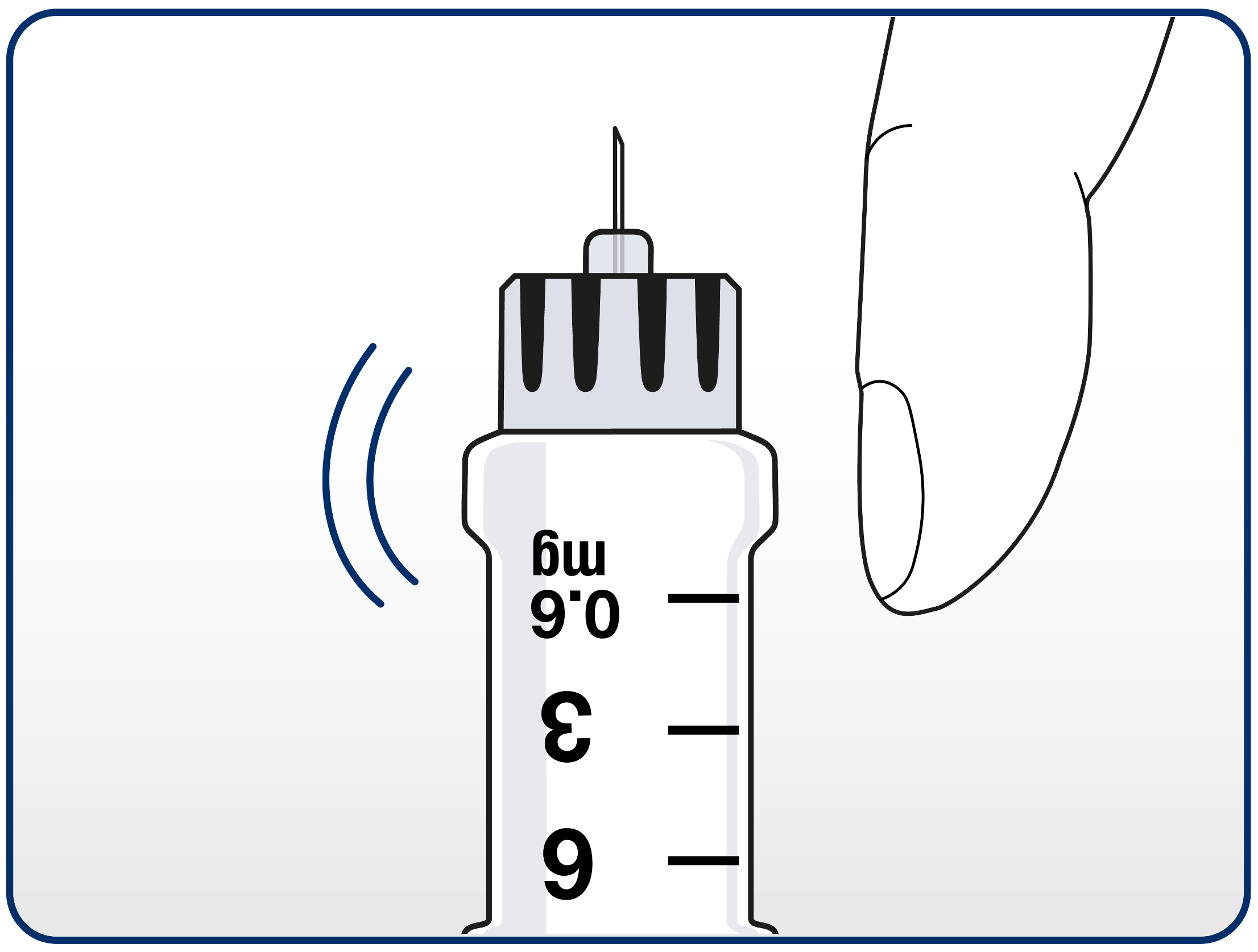
Advise patients to hold the pen with the needle pointing up. They should then tap the cartridge gently with their finger a few times. This will make any air bubbles collect at the top of the cartridge.
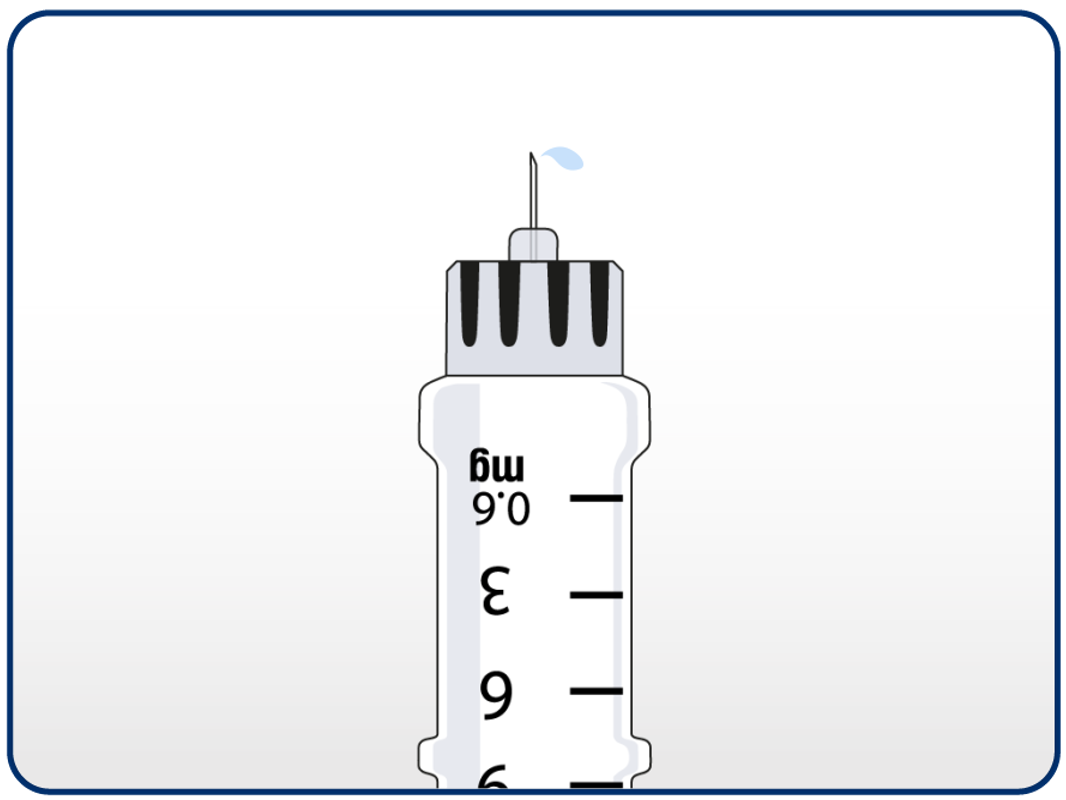
Patient should press and hold in the dose button until the dose counter returns to 0. The 0 must line up with the dose pointer.
A drop of solution should appear at the needle tip. If no drop appears, this step can be repeated up to 4 times.
If there is still no drop, the needle should be changed and the step repeated with the new needle.
If a drop still does not appear, the pen should be disposed of and a new pen used.
If patients do not check the flow before each injection, they may not get the prescribed dose.
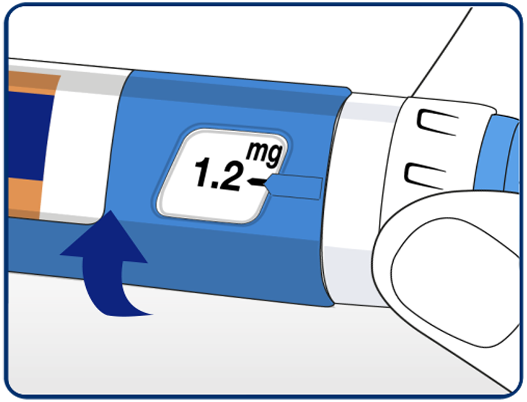
Selecting their dose. Patients should always check that the pointer lines up with the 0mg. They should turn the dose selector until their required dose lines up with the pointer (0.6mg, 1.2mg, 1.8mg). If they have selected the wrong dose, change it by turning the dose selector backwards until the dose lines up with the pointer. Patients should take care not to press the dose button when turning the dose selector backwards as medicine may come out.
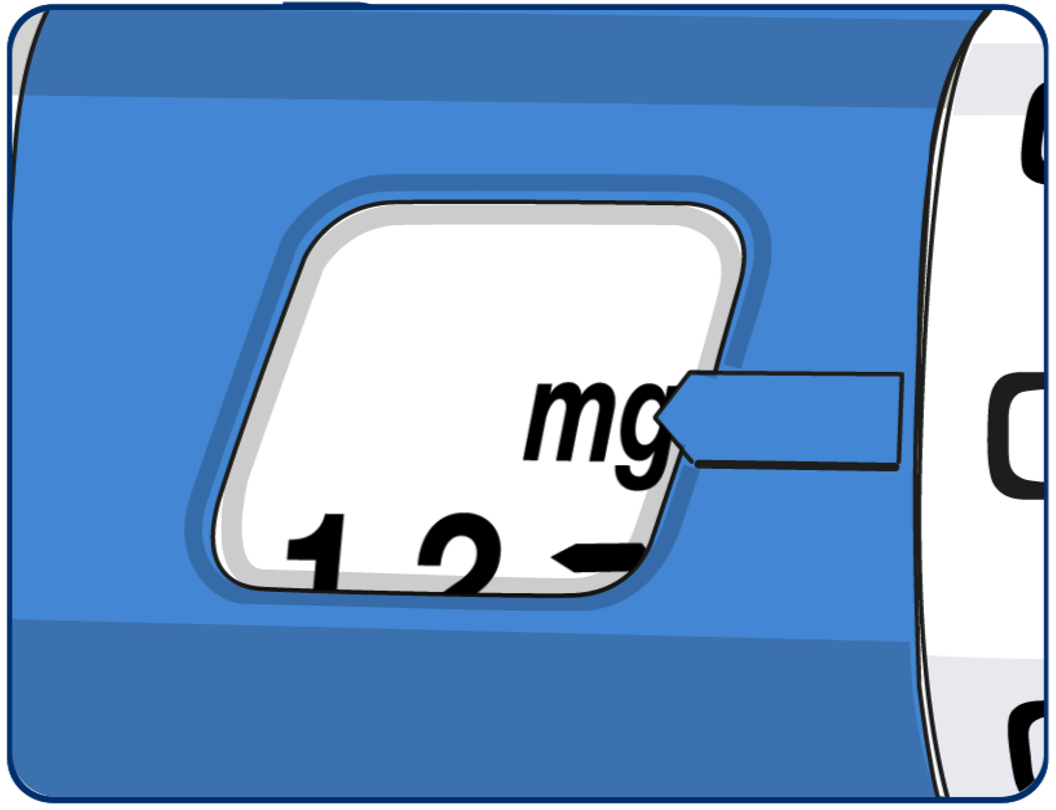
If the dose selector stops before their required dose lines up with the pointer there is not enough liraglutide left for a full dose. Patients should either: Split their dose into two injections, turn the dose selector until 0.6mg or 1.2mg lines up with the pointer, inject the dose, then prepare a new pen and inject the remaining number of mg. Encourage use of a calculator to plan the doses. Alternatively, they can inject the full dose with a new pen.
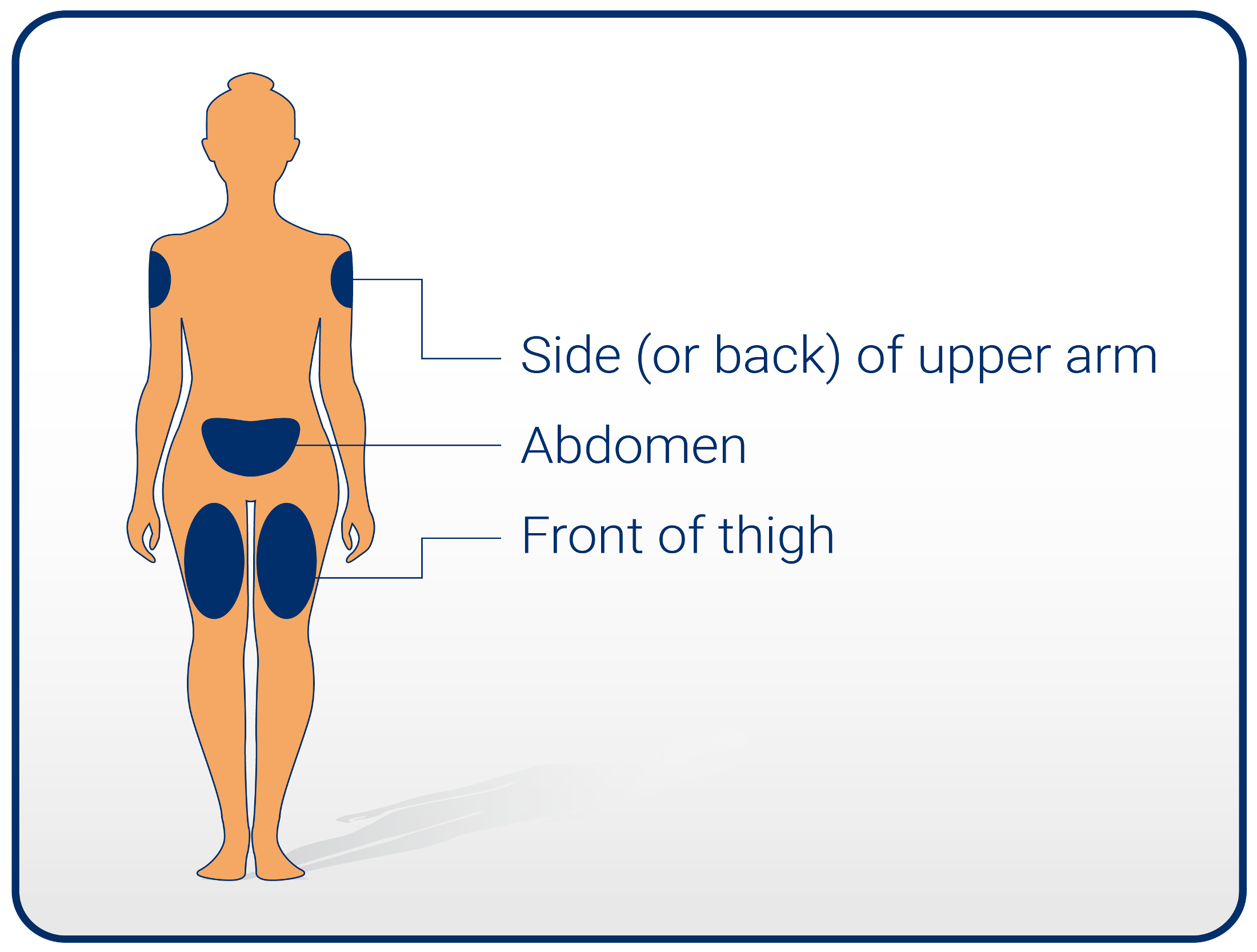
Patients should insert the needle into their skin, as shown by their healthcare professional. Press the dose button to inject until 0 mg lines up with the pointer. Avoid touching the display or pressing the dose selector as this could block the injection.
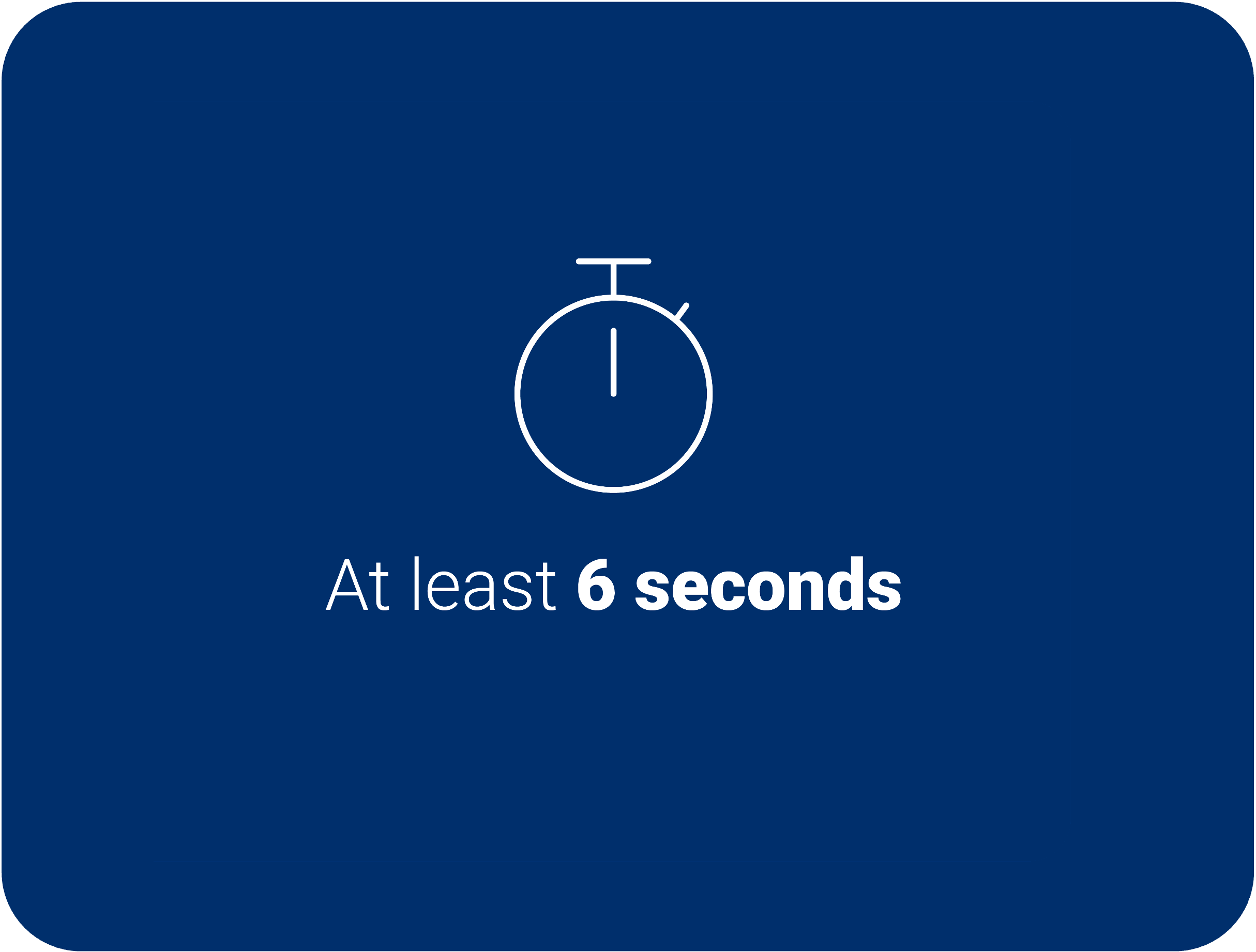
Keep the dose button pressed down and leave the needle under the skin for at least 6 seconds to ensure full dose is received. Pull out the needle. They may see a drop of medicine at the needle tip, this is normal and does not affect their dose.
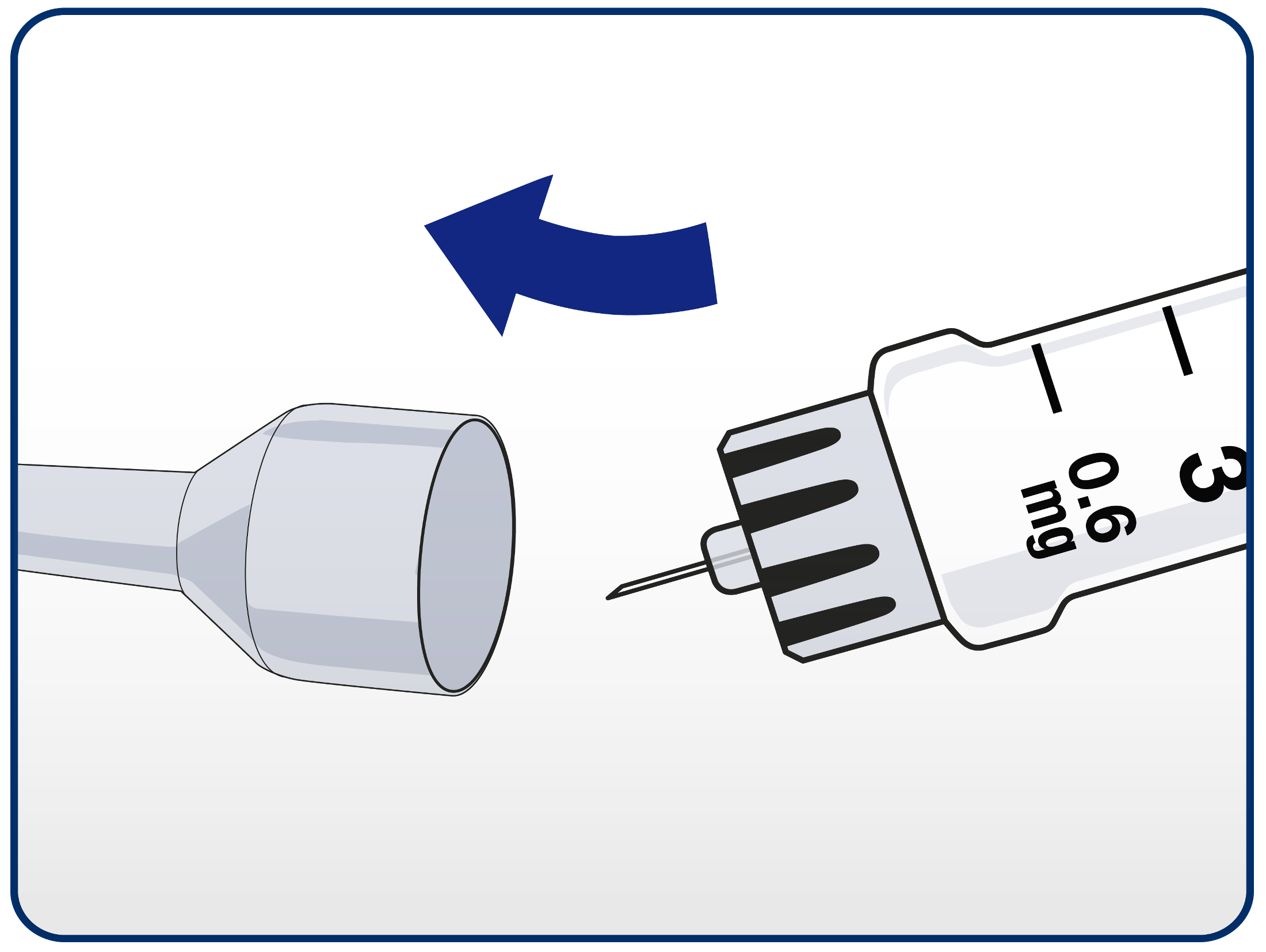
Patients should guide the needle tip into the outer needle cap without touching the needle.
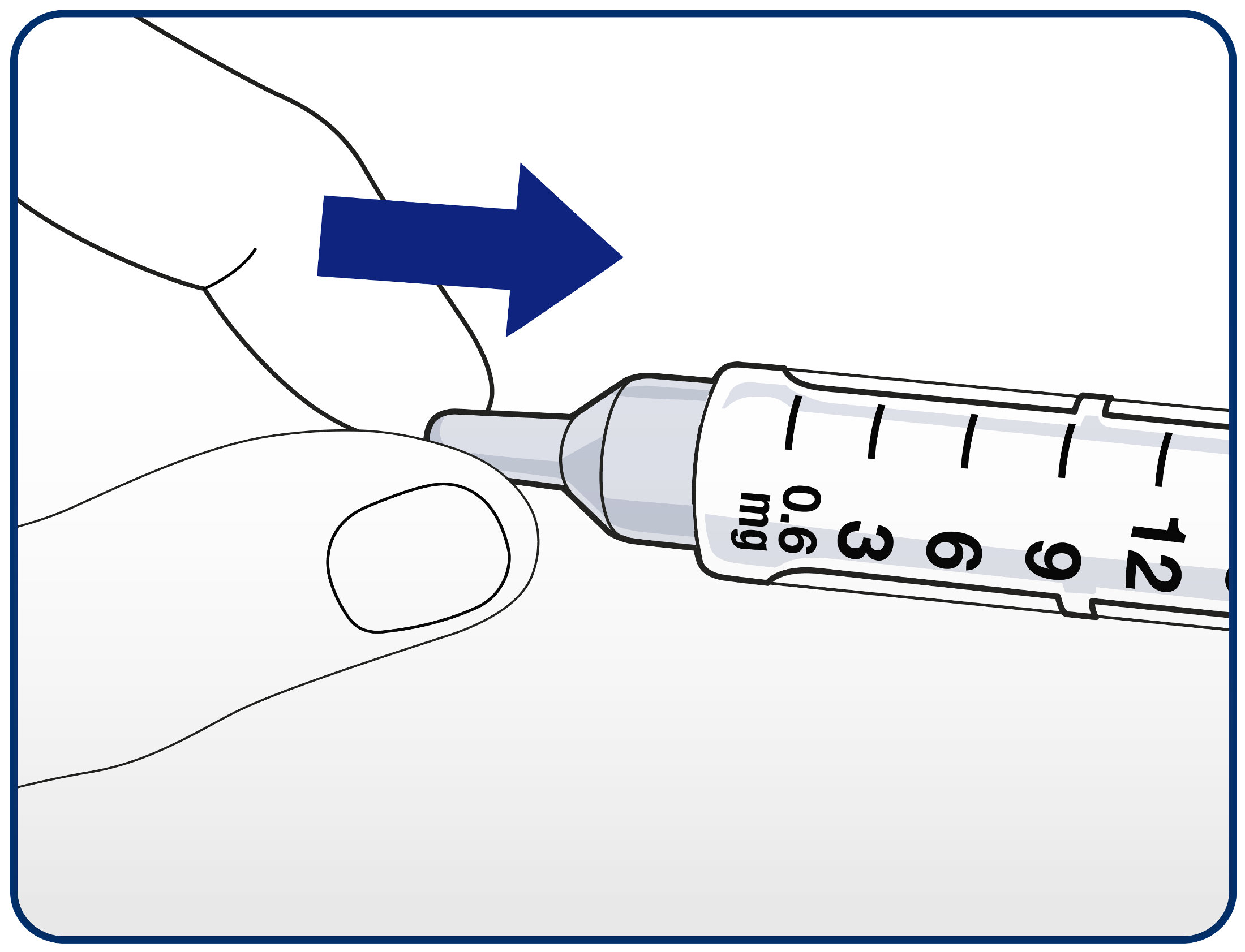
When the needle is covered, push the outer needle cap completely on. Unscrew the needle and dispose of it carefully in their sharps bin.
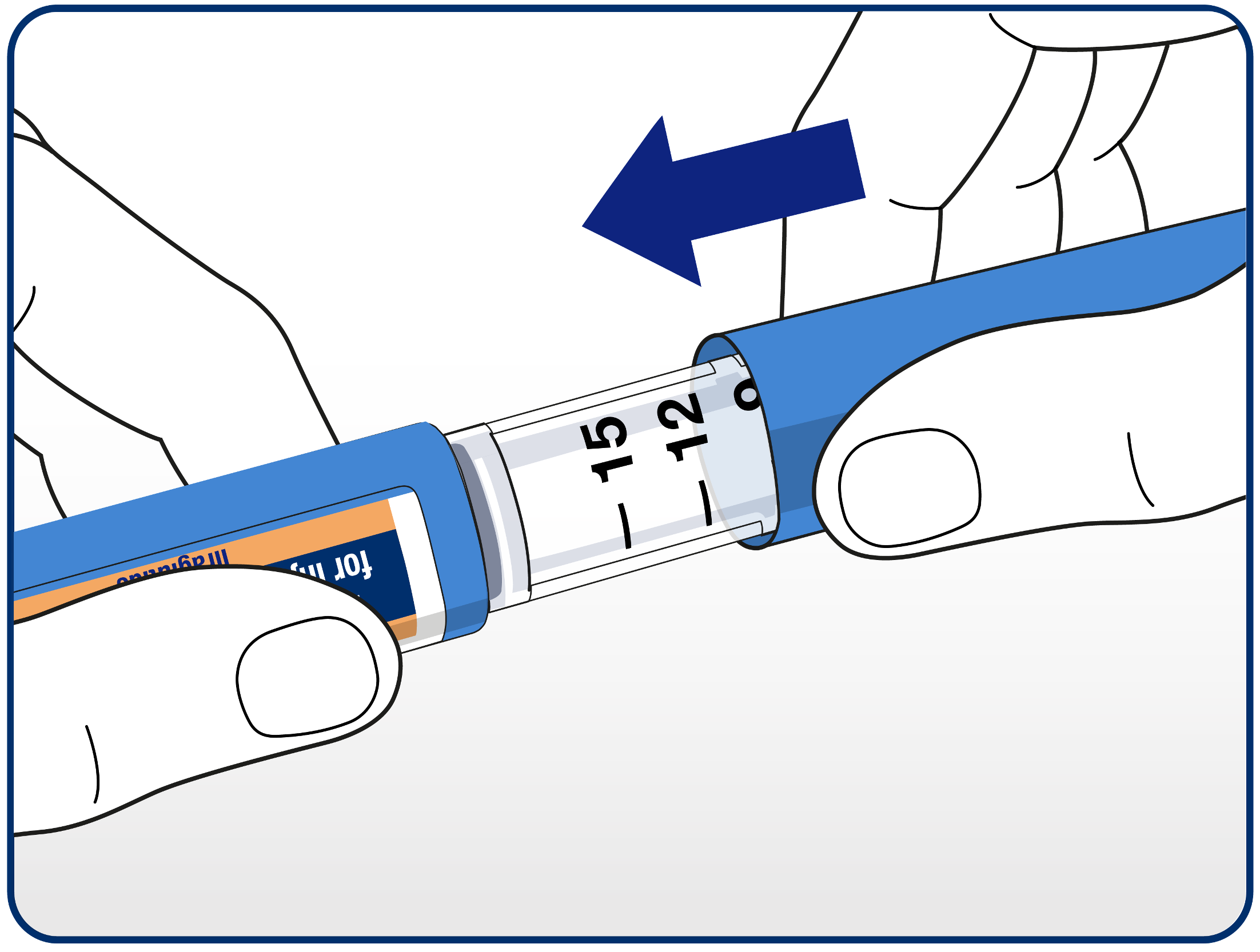
The pen cap can then be replaced. When the pen is empty, patients should carefully dispose of it without a needle attached, in accordance with local requirements.
- Zegluxen® (liraglutide) Patient Information Leaflet. Available from https://www.medicines.org.uk/emc/product/100225/pil
000762557 | January 2026